
Operating System
Cyber threats evolve daily, but these 10 actionable tactics will fortify your digital defenses—whether you're a casual user or a business owner. Learn proven strategies to outsmart hackers and safeguard your data without tech jargon.
Enable Multi-Factor Authentication Everywhere
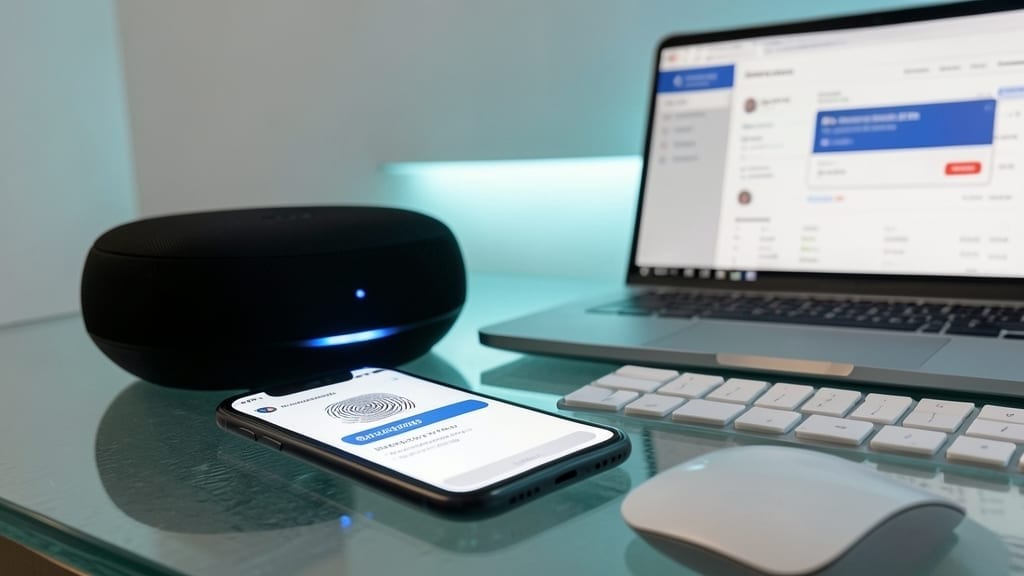
Your email, bank accounts, and even smart home devices are prime targets for credential theft—but multi-factor authentication (MFA) adds a nearly impenetrable second layer of protection. With just a few taps, you can slash account takeover risks by 99%, making it the simplest yet most powerful cybersecurity upgrade available today.
MFA works by requiring two verification steps—something you know (password) and something you have (phone, security key, or authenticator app). Services like Google Authenticator, Authy, or Microsoft Authenticator generate time-based codes, while hardware keys like YubiKey offer phishing-resistant security. Most platforms (email, banking, cloud services) now support MFA with zero config—just enable it in settings.
This is a must-have for anyone with online accounts, especially freelancers, remote workers, or parents managing kids’ devices. Start with your most critical accounts (email, banking, social media) and expand to smart home devices like routers or security cameras. Your future self will thank you. ⚡
Use Password Manager for Strong Unique Credentials
Tired of reusing the same passwords across accounts? That’s how hackers gain access to your entire digital life—one breach at a time. A password manager like Bitwarden or 1Password eliminates this risk by generating and storing 256-bit encrypted credentials for every account, so you never type "password123" again.
These tools create random, 16-character passwords for each site, sync across devices, and auto-fill logins in seconds. Even if one account is compromised, your other credentials stay safe. Most offer zero-knowledge architecture, meaning only you hold the master key. Pricing starts at $0 for open-source options or $3/month for premium features like secure sharing.
Perfect for anyone juggling multiple accounts—from freelancers managing client logins to families sharing streaming services. Your future self will thank you when you breeze past password resets. ✨
Regularly Update All Software Systems

Hackers don’t wait for you to update—they exploit unpatched software within minutes of vulnerabilities being discovered. Skipping updates leaves your devices exposed to malware, ransomware, and data theft, even if you’ve got strong passwords and MFA.
Enable automatic updates for your OS (Windows, macOS, Linux), browsers (Chrome, Firefox, Edge), and apps (Slack, Zoom, Adobe Suite)—most modern systems let you set this with a single toggle. Don’t forget routers, smart TVs, and IoT devices (like security cameras or smart plugs), which often have outdated firmware by default. Tools like Windows Update, Apple Software Update, or Linux apt update make this effortless.
This is the easiest 5-minute security boost for anyone—from home users to small businesses. Set it, forget it, and sleep easier knowing your systems stay one step ahead of threats. ⚡
Implement a VPN for Public Wi-Fi Security
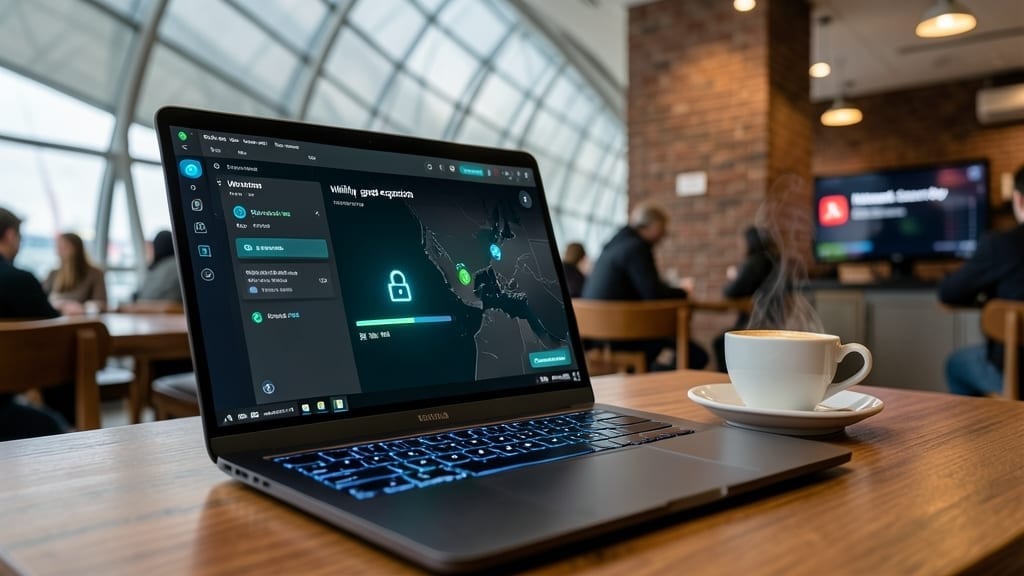
Public Wi-Fi at coffee shops or airports is a hacker’s playground—unless you’re using a VPN. This simple tool encrypts all your internet traffic, making it impossible for snoops to intercept passwords, emails, or financial data while you browse.
Top-tier VPNs like ProtonVPN or NordVPN offer military-grade AES-256 encryption, no-logs policies, and server locations worldwide. They also mask your IP address, so your ISP can’t track your activity, and block ads/malware at the network level. Most apps are lightweight and run in the background with a single click.
Perfect for travelers, remote workers, or anyone who’s ever logged into a free network. A $5/month plan keeps you safer than no protection at all. 💻
Enable Full-Disk Encryption on Devices
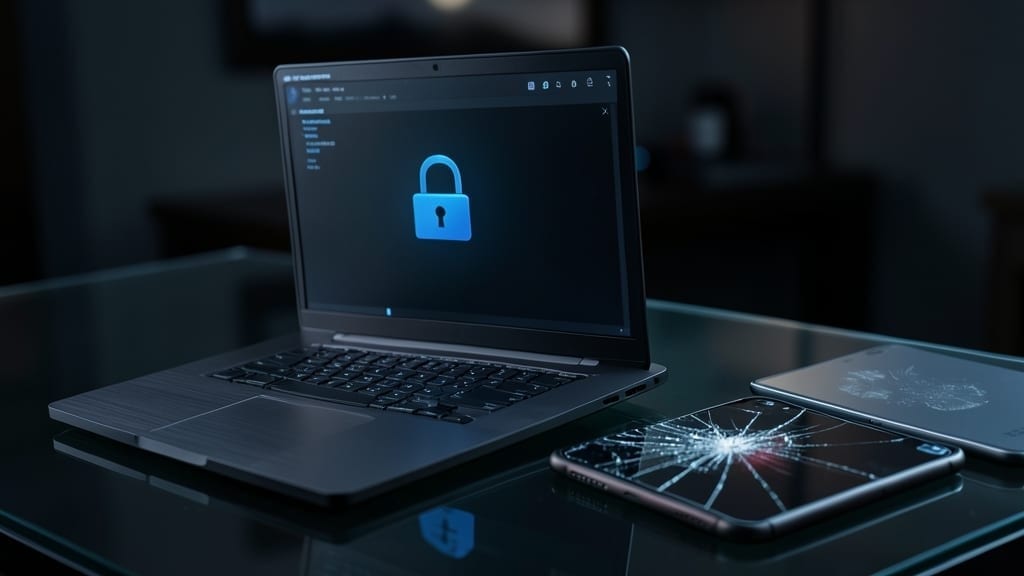
Forget about just securing your accounts—what if your entire device gets stolen? Full-disk encryption locks down every file on your laptop, phone, or tablet with a single passcode, making it useless to thieves without your authorization. Unlike password managers or VPNs, this protects your data even when the device itself is compromised.
Windows includes BitLocker (Pro/Enterprise editions), macOS has FileVault (built into every version since 2008), and Android devices offer Android Encryption (enabled by default on most newer models). The setup takes minutes—just enable it in your system settings and set a strong PIN or password (avoid simple patterns). Even if your device falls into the wrong hands, your photos, documents, and apps stay locked away. ⚡
Train Employees or Family on Phishing Scams
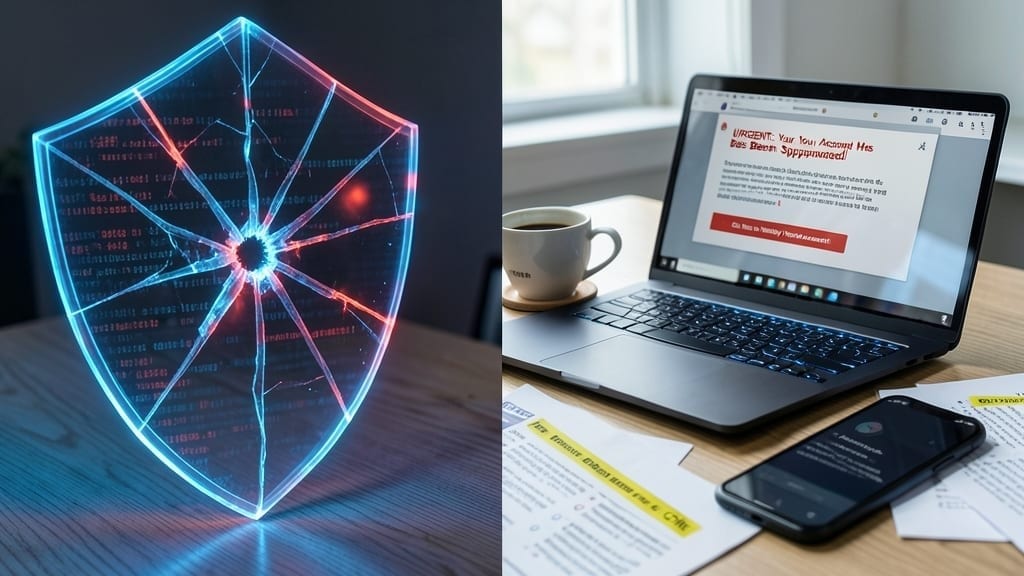
Even the most secure systems crumble when someone clicks a malicious link—90% of breaches start with human error. The solution? Turn your team or family into cybersecurity allies with simulated phishing tests and quick training sessions that teach them to spot red flags like urgent requests, spoofed sender addresses, and suspicious links before they become costly mistakes.
Tools like KnowBe4 or PhishMe send realistic fake phishing emails to test reactions, while platforms like Google Security Checkup offer free, interactive modules for beginners. Focus on hover-over links (to check URLs before clicking) and verifying sender domains—small habits that block 80% of phishing attempts instantly.
This isn’t just for IT teams—parents teaching teens or small business owners training staff can slash risks by 50% with just 30 minutes of practice. Start with a monthly test and watch your security posture strengthen. 💪
Disable Unused Services and Ports
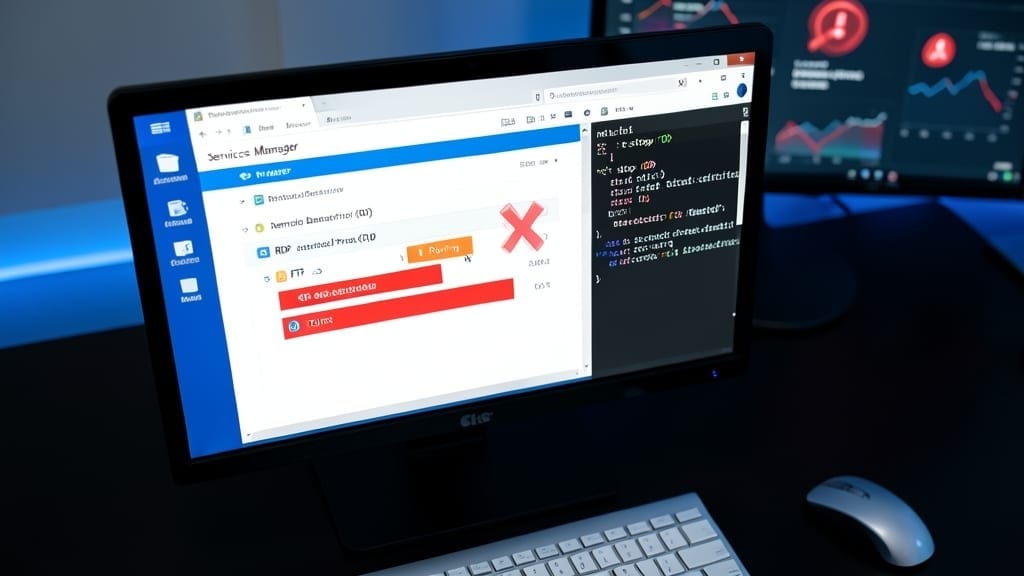
Ever wondered why hackers keep finding ways in? Often, it’s because your system is running unnecessary services like Remote Desktop Protocol (RDP), FTP, or Telnet—open doors for attackers. Disabling these reduces your attack surface by 40% with just a few clicks.
On Windows, use Services Manager (services.msc) to disable unused services like Print Spooler or Superfetch. For Linux, run systemctl list-units --type=service to identify and stop services with sudo systemctl disable . Tools like Nmap (nmap -sS localhost) can scan for open ports to verify your progress.
This is especially critical for home servers, small businesses, or developers running local services. A closed port is a locked door—simple, effective, and free. 💪
Backup Critical Data with Air-Gapped Storage
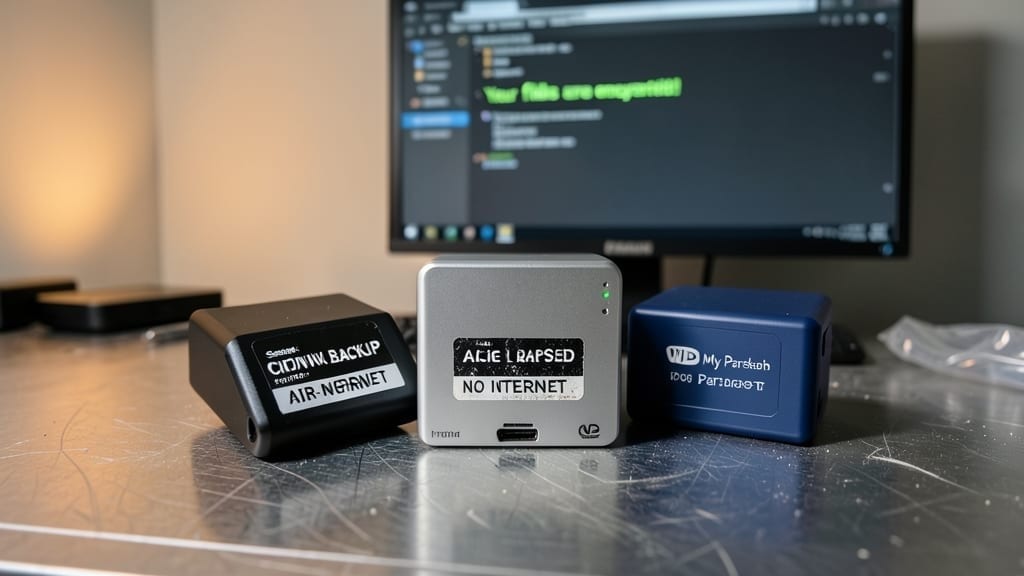
Ransomware attacks don’t just target your primary devices—they can lock down cloud backups too. An air-gapped storage strategy keeps your most critical files completely offline, immune to digital threats. This means using physical drives that never connect to the internet, ensuring even the most sophisticated cybercriminals can’t reach them.
Follow the 3-2-1 rule for maximum protection: 3 copies of your data, stored on 2 different media types (like a hard drive and DVDs), with 1 copy kept offsite. For example, pair a 1TB encrypted external drive with a burned set of DVDs—store one at home, another in a fireproof safe, and a third with a trusted relative. Tools like VeraCrypt add an extra layer of encryption for sensitive files.
This approach is ideal for small businesses, freelancers, and families storing irreplaceable photos, financial records, or creative projects. No fancy tools required—just discipline and a spare drive. ✨
Monitor Dark Web for Compromised Data
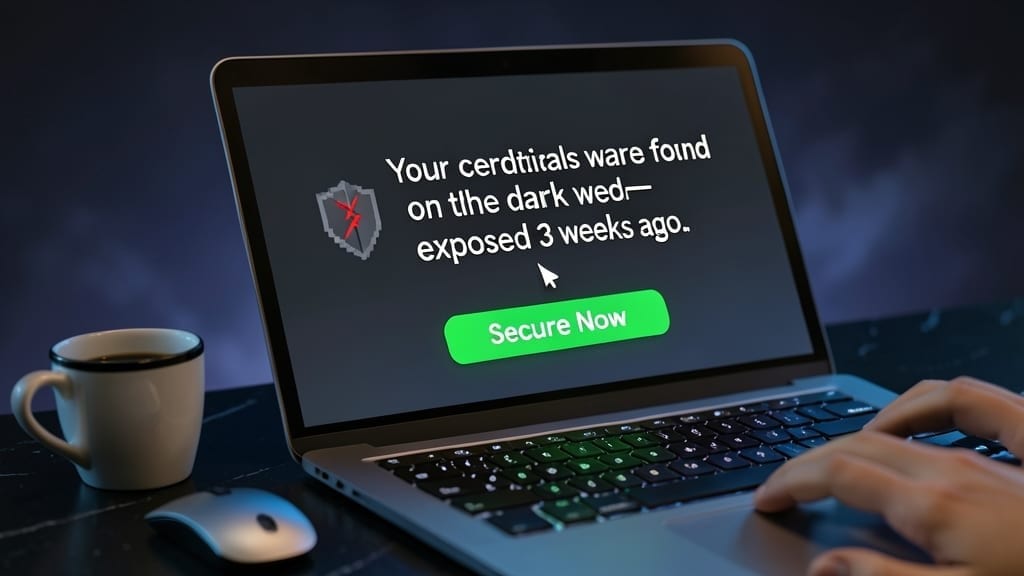
Imagine finding out your email and password were exposed in a breach—weeks before hackers could exploit them. That’s the power of dark web monitoring, a free and proactive way to stay ahead of cybercriminals.
Services like Have I Been Pwned (HIBP) scan the dark web for your credentials, notifying you instantly if they appear in leaked databases. It covers billions of records from past breaches, including LinkedIn, Yahoo, and Adobe, and integrates with password managers like 1Password for automatic updates. No technical setup is needed—just enter your email to start.
This is ideal for casual users who want zero-effort protection or small business owners managing multiple accounts. Set it up in under a minute and sleep easier knowing you’ll get alerts before attackers do. ✨
Deploy Endpoint Detection and Response Tools
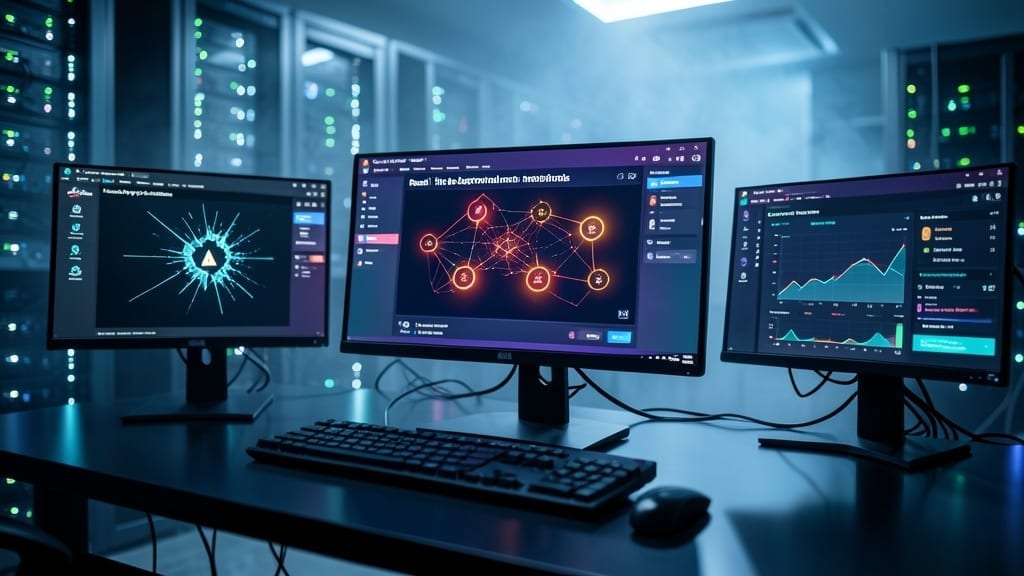
If your business handles sensitive data, traditional antivirus just isn’t enough—you need Endpoint Detection and Response (EDR) tools like CrowdStrike or SentinelOne. These platforms don’t just detect malware; they analyze behavior in real-time to stop zero-day exploits before they cause damage.
With AI-driven threat hunting, EDR tools monitor every endpoint—laptops, servers, and even mobile devices—for suspicious activity like lateral movement or data exfiltration. Features like automated containment isolate infected machines instantly, while detailed forensic reports help IT teams trace attack origins. Deployment is seamless via lightweight agents that run silently in the background.
Perfect for SMBs to enterprises, EDR is a must for industries handling regulated data (healthcare, finance). The upfront cost pays off when you consider the average $4.45M ransomware payout—EDR tools make that a non-issue. 💪