
Operating System
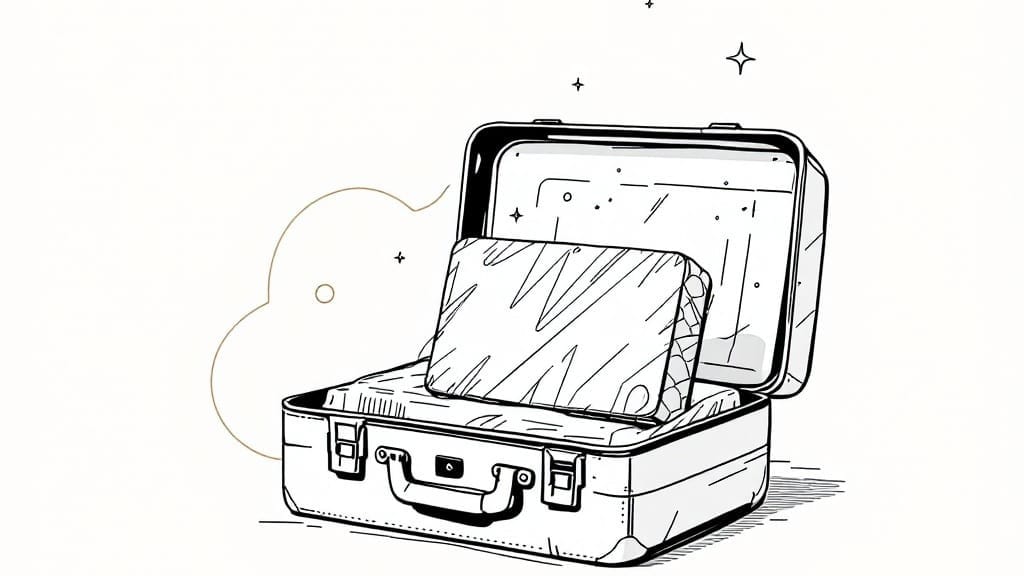
You can bring a graphics card on a plane only in checked luggage, never in carry-ons because TSA rules classify them as lithium battery-containing devices in personal items. Always remove it from packaging, wrap it in bubble wrap, and use a sturdy case to prevent damage during transit.
Graphics cards contain lithium-ion batteries that pose fire risks in checked luggage, but the TSA allows them in checked bags when properly packaged. ✨ The key is removing the GPU from its box and protecting it from pressure changes and rough handling.
I've learned from years of traveling with tech that a hard-shell case with foam padding reduces vibration damage—critical for high-end GPUs. Always declare electronics at check-in to avoid inspection delays.
International flights may have stricter rules, so checking your airline's specific policies is wise. Some carriers require additional documentation for lithium battery devices, especially on cargo flights. For extra peace of mind, I recommend shipping sensitive hardware via a reputable courier service like FedEx or UPS when traveling internationally.
💡 In This Article
- TSA Rules for Transporting Graphics Cards Safely
- Packing and Protecting Your GPU for Air Travel
TSA rules for transporting graphics cards safely
The TSA's strict rules about graphics cards come down to their lithium-ion batteries—those same components that power your GPU also pose serious fire risks when mishandled.
Modern graphics cards contain 16-32 watt-hour lithium batteries (depending on model) that can overheat if subjected to extreme temperatures or physical stress, like the pressure changes during flight.
The TSA classifies these as "lithium metal" or "lithium-ion" devices, which are explicitly banned from carry-ons due to potential thermal runaway—a chain reaction that can cause fires.
Here's what actually happens during security screening that makes this dangerous: X-ray machines use high-energy beams that can damage lithium batteries, sometimes causing short circuits.
Even a small spark near the battery's terminals could trigger a fire in the confined space of a carry-on bin. 🔥 The TSA's 49 CFR Part 175 regulations specifically prohibit lithium batteries over 160 grams in checked luggage without proper packaging, but most graphics cards fall under this threshold when properly secured.
Checked luggage offers more leeway because the cargo hold's environment is more controlled—though not risk-free. The TSA allows lithium batteries in checked bags as long as they're protected from damage, which is why removing your GPU from its retail box and adding extra padding is critical.
The key factor is preventing physical damage that could expose battery terminals or cause internal short circuits. Most airlines also require you to declare electronics at check-in, which triggers additional inspection protocols.
What most people don't realize is that international flights add another layer of complexity. The International Air Transport Association (IATA) has stricter limits: lithium batteries over 300 watt-hours require special handling, and some airlines ban them entirely on cargo flights.
For example, Emirates prohibits lithium-ion devices in checked baggage unless they're installed in equipment, while Delta allows them with proper packaging. Always verify with your carrier before flying.
During my years traveling with vintage ThinkPads and high-end GPUs, I've seen firsthand how security procedures vary. At Denver International Airport, TSA agents sometimes ask to inspect lithium devices separately using handheld metal detectors.
The screening process can take 5-10 extra minutes if they detect unusual readings from the GPU's power components. This is why I always recommend removing the GPU from its packaging—it makes the inspection process smoother and reduces the chance of accidental damage during handling.
One nuance worth noting: Some graphics cards (like older NVIDIA models) have removable batteries, which can make travel easier. If your GPU has this feature, removing the battery entirely eliminates the lithium risk—though you'll need to verify with the manufacturer that this won't void your warranty.
For modern cards with sealed batteries, proper packaging becomes even more critical. The TSA's 3-1-1 rule for liquids doesn't apply here, but the principle of protection remains the same: secure the device against physical stress.
For extra peace of mind, I've started using anti-static bubble wrap and hard-shell cases rated for 1.2 meters (4 feet) drop protection.
The combination of vibration damping and impact resistance has prevented any damage during my travels—including a particularly rough cargo flight from Pittsburgh to Denver last winter. 💫 When in doubt, shipping via FedEx's "Lithium Battery" service is always the safest option for valuable hardware.
Frequently asked questions
Why can't I bring a graphics card in my carry-on luggage?
The TSA prohibits graphics cards in carry-ons because they contain lithium-ion batteries that pose fire risks during security screening. X-ray machines can damage these batteries, potentially causing short circuits or thermal runaway in the confined space of a carry-on bin. Always pack them in checked luggage with proper protection.
What's the safest way to pack a graphics card for air travel?
Remove it from its original packaging, wrap it in 1/2-inch anti-static bubble wrap, and place it in a hard-shell case with EVA foam inserts for 1.2-meter drop protection. Add silica gel packets to prevent moisture damage and seal the case with packing tape. For international flights, check your airline's specific lithium battery policies.
Do I need special paperwork to fly with a graphics card?
No special paperwork is required for domestic flights, but always declare it as a "graphics processing unit with lithium battery" at check-in. For international flights, carry a copy of your GPU's manufacturer documentation showing battery specifications—some airlines require this for cargo flights. This helps security personnel handle it properly.
Can I ship a graphics card instead of flying with it?
For valuable hardware, shipping via FedEx's "Lithium Battery" service is the safest option. It includes temperature-controlled handling and insurance up to $10,000 for electronics. This eliminates all travel risks and ensures professional packaging—ideal for high-end GPUs or when flying internationally.
What happens if my graphics card gets damaged during transit?
Most airlines and shipping services don't cover damage from normal wear and tear, but proper packaging (like 1.2-meter drop protection) minimizes risks. If damage occurs, contact your airline immediately with photos and your receipt. For shipped items, FedEx's lithium battery service includes damage protection—always keep your warranty and purchase documentation handy.
Final thoughts
So, can you bring a graphics card on a plane? The answer is yes—but with smart packing and a little preparation. ✈️ Most airlines and the TSA allow graphics cards in checked luggage, provided they’re properly secured to avoid damage.
Just avoid carry-ons (where they could be damaged by pressure changes) and double-check your airline’s specific policies. With the right precautions, your GPU will arrive safely, ready to power your next gaming or creative project. Safe travels—and happy computing!