My first computer was a clunky desktop my dad brought home from work, its green-screen monitor flickering like a vintage TV. Back then, I spent hours typing out stories in BASIC, completely unaware that I’d end up writing about tech for a living.
Now, I run Phone Tweaks to help people navigate the digital world—whether it’s troubleshooting a stubborn Windows update or finally understanding why their Wi-Fi keeps dropping. Think of me as your tech-savvy friend who’s always happy to help, minus the jargon.
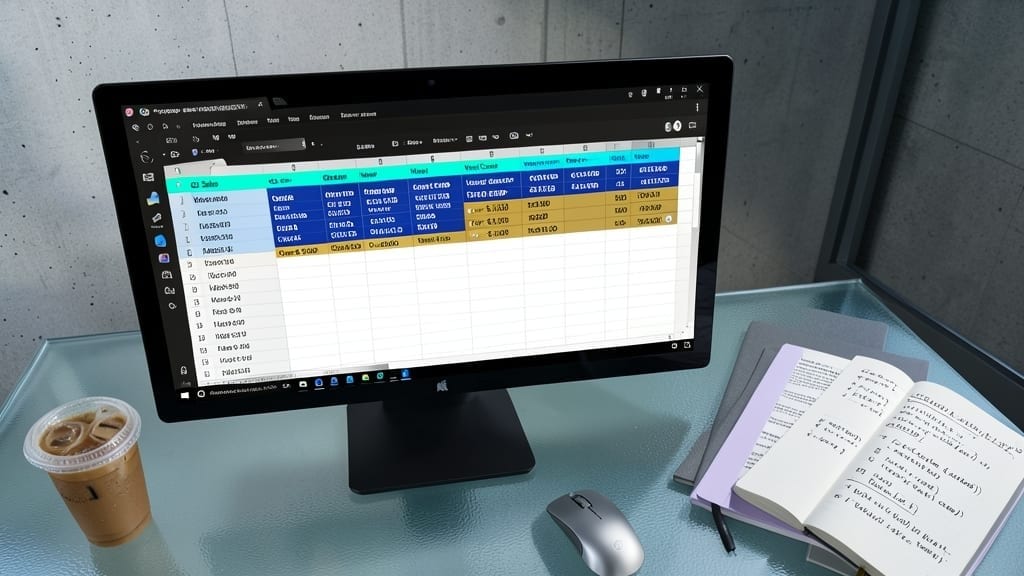
Learn how to paste something in the same font —a designer’s secret weapon that took me hours to master, but now you’ll never lose that perfect type again. The default paste shortcuts (Ctrl+V or Cmd+V) strip formatting…
Setting up Outlook email on Android used to feel like navigating a maze of settings menus, but it’s actually shockingly simple once you know the right path. ⚡ I’ve walked through this process with clients from small…
Signing a Word document on iPhone used to mean printing, scribbling, and scanning—until Microsoft made it shockingly simple. ✨ I’ve signed contracts from my couch, at coffee shops, even while waiting for the bus, all…
Transferring photos from your phone to a computer used to mean fumbling with cables and praying for recognition. ⚡ I’ve moved thousands of photos this way—from my first flip phone to today’s Androids—and the right method…
Mastering how to use camera on the Android phone starts with knowing the right buttons and settings—my Pixel 7 takes photos that look like they were shot with a DSLR when I use just three simple adjustments. The camera…
Here’s how to use the phone number assigned to my tablet—no SIM card needed—after it saved me from carrying two devices during my bakery owner customer’s last-minute emergency call while I was at home. ✨ The setup works…
To view certificates on iPhone, start with Safari—it’s the quickest way to check SSL/TLS certificates for any website. 💡 I’ve used this method hundreds of times, and it takes less than a minute once you know the trick…
Is it safe to store passwords on iPhone Notes? No—because Notes are unencrypted by default, leaving them vulnerable to unauthorized access if your device is lost, stolen, or hacked. Apple’s iCloud backups also store…
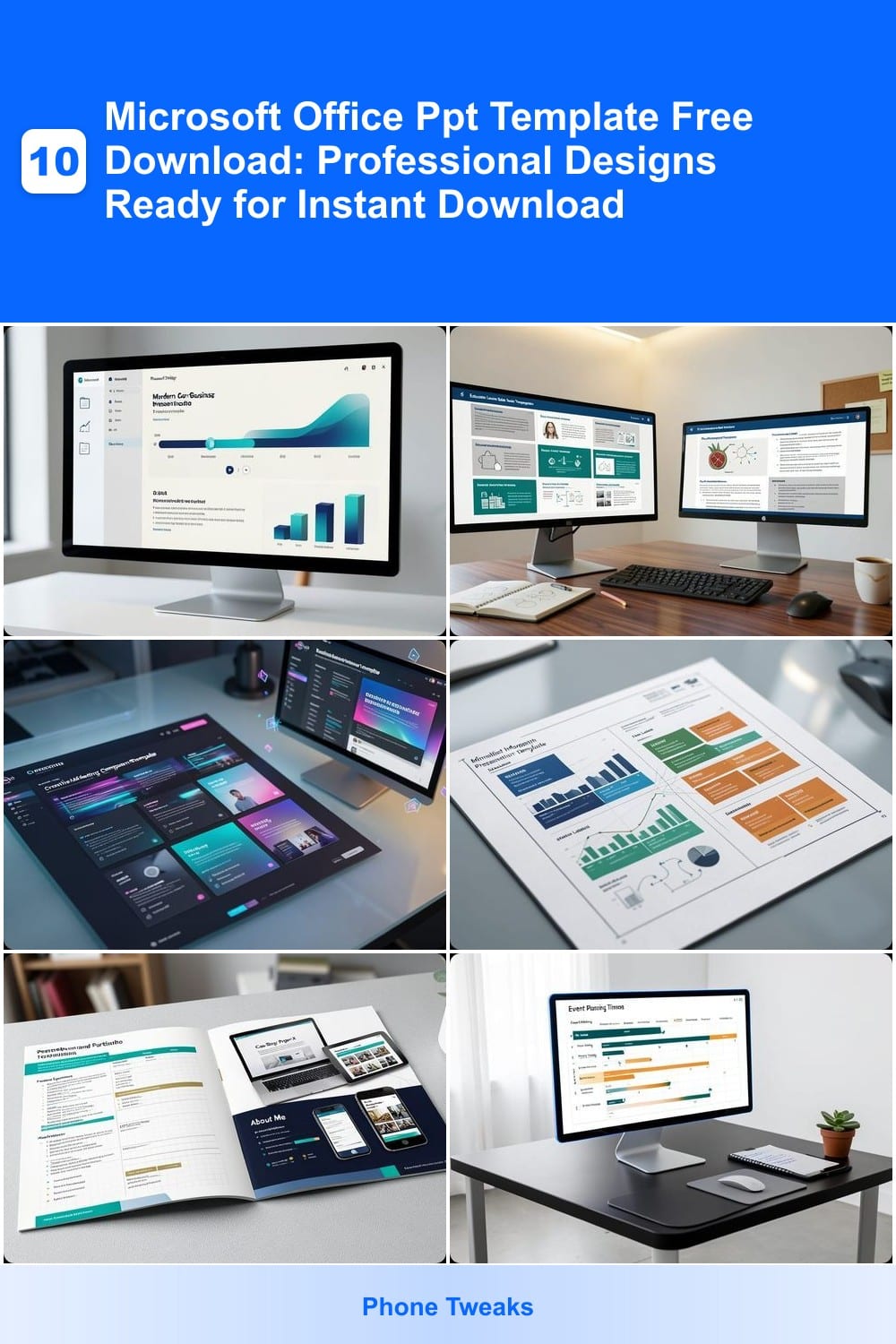
Need eye-catching PowerPoint presentations without the design hassle? These seven free Microsoft Office-compatible templates deliver professional layouts for business, education, and creative projects—ready to download…