
Tip & Trick
Remote work offers flexibility but exposes you to cyber threats like phishing, malware, and data leaks. These 10 security best practices—ranked by impact—will help you fortify your digital workspace and outsmart hackers before they strike.
Multi-Factor Authentication for Every Account
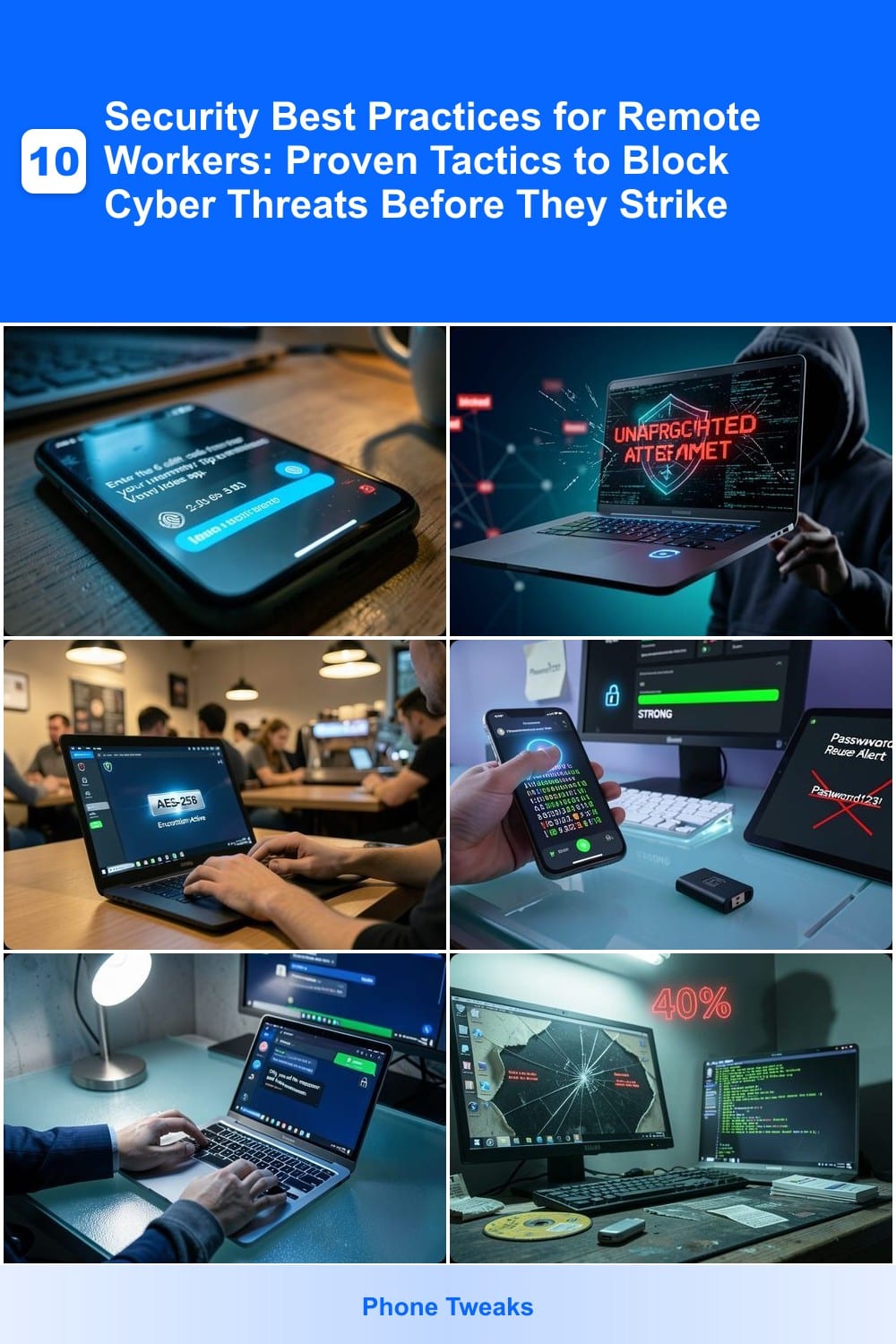
If you’ve ever feared a hacker using a stolen password to raid your accounts, multi-factor authentication (MFA) is your first line of defense. It’s the simplest yet most effective way to block 99% of automated attacks, turning a single password into a fortress. Most breaches start with stolen credentials—MFA stops them cold.
Enable two-step verification on your email, cloud storage (Google Drive, Dropbox), and financial accounts using apps like Google Authenticator, Authy, or hardware keys (YubiKey). Even if your password leaks, attackers still need your phone or a physical key to proceed. Most services offer MFA—turn it on in seconds—and prioritize accounts with sensitive data.
This isn’t just for tech experts: every remote worker should use MFA, from freelancers to corporate employees. It’s the lowest-effort, highest-impact security upgrade you’ll make. ⚡
Zero-Trust Network Access Configuration
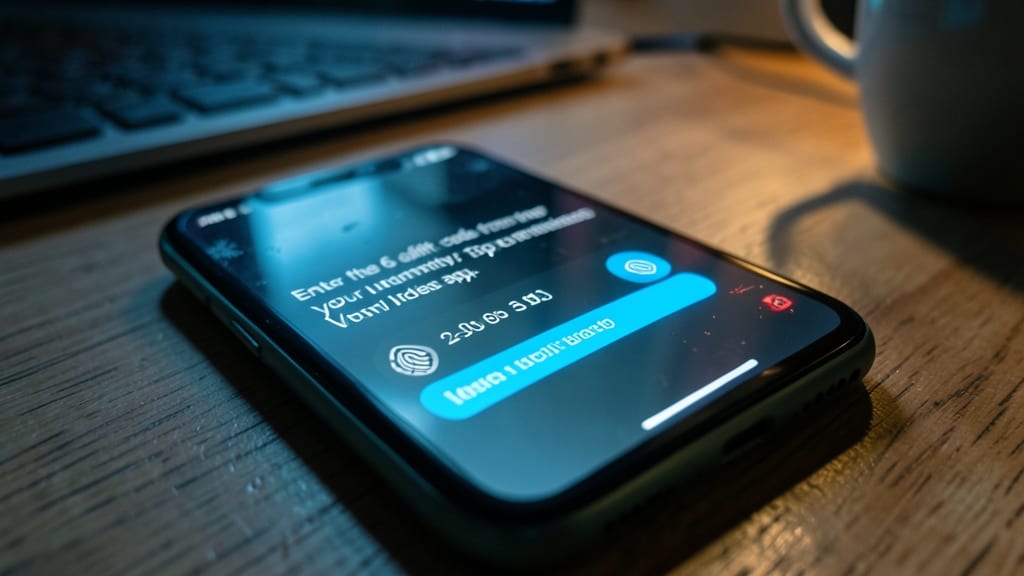
What if your own laptop suddenly became the biggest security risk? Zero-trust network access flips the script by treating every device—even yours—as untrusted until proven otherwise, blocking access to company data until strict identity checks pass.
This approach uses continuous authentication (beyond just logins) and micro-segmentation to isolate resources. Tools like Microsoft Azure AD Conditional Access or Cisco Secure Access enforce policies like device compliance checks, location verification, and risk-based adaptive access. Even if your credentials are stolen, an attacker can’t move laterally without meeting these strict criteria.
Ideal for IT admins managing remote teams or freelancers handling sensitive client data, zero-trust minimizes breach impact by assuming compromise is inevitable. 💪
Secure Virtual Private Network Setup
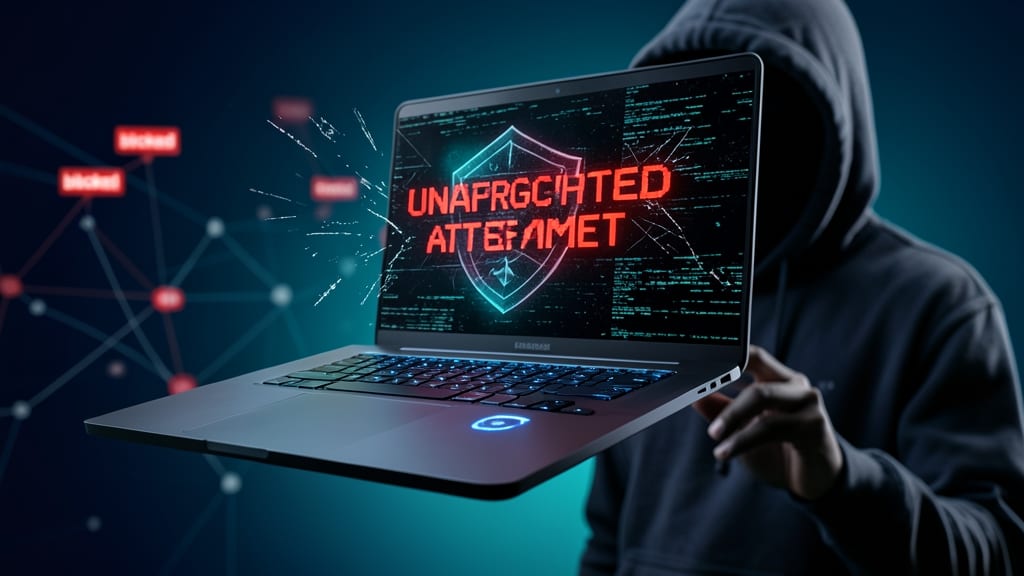
Public Wi-Fi at coffee shops or airports is a hacker’s playground—unless you’re using a VPN. A well-configured VPN encrypts all your internet traffic, making it impossible for snoops to intercept sensitive data like emails, passwords, or company files.
Look for a provider with military-grade AES-256 encryption, a strict no-logs policy, and servers in multiple countries. Services like ProtonVPN or NordVPN offer user-friendly apps with a single-click setup, while WireGuard delivers faster speeds for power users. Always enable the kill switch to block unencrypted traffic if the VPN drops unexpectedly.
This is non-negotiable for freelancers, remote employees, or anyone handling confidential data. A VPN doesn’t just protect you—it protects your entire digital footprint. ⚡
Password Manager with Biometric Locks
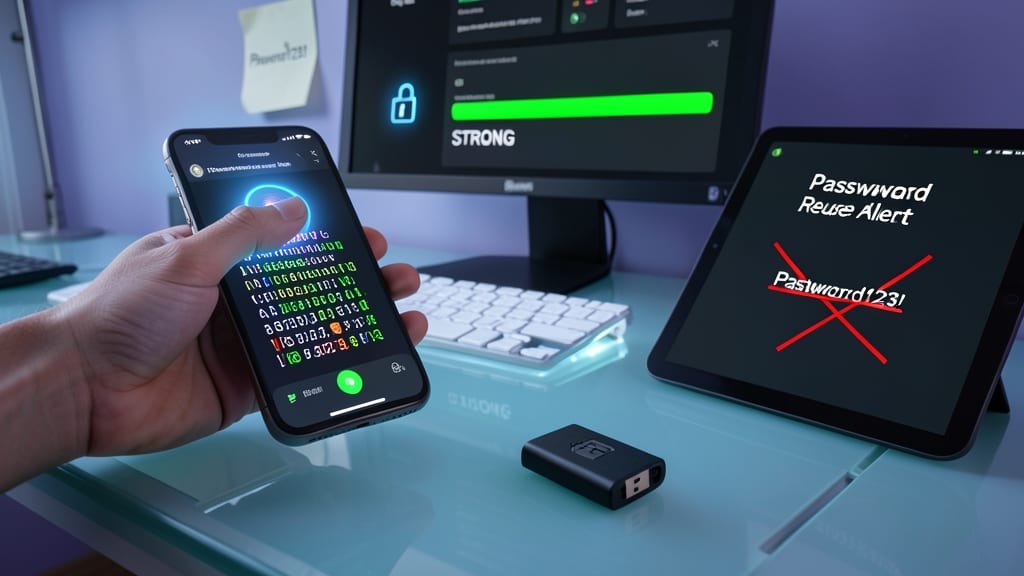
Tired of reusing the same weak password across accounts? A password manager with biometric locks like 1Password or Bitwarden solves this by generating 20-character, randomized passwords for every account—no more "Password123!"
These tools store your credentials in an encrypted vault that only unlocks with your fingerprint or face ID, adding an extra layer of security beyond traditional master passwords. They also auto-fill logins securely across devices, reducing the risk of keylogger attacks. The best options sync seamlessly between phones, tablets, and computers.
Perfect for remote workers juggling multiple accounts—especially those handling sensitive work emails or financial data. It’s the one tool that turns your biggest security weakness into your strongest defense. ✨
End-to-End Encrypted Communication Tools
Tired of wondering if your sensitive work emails or Slack messages are being intercepted? End-to-end encrypted tools like Signal and ProtonMail ensure only you and the intended recipient can read your messages—no exceptions. Unlike traditional email, these apps encrypt messages before they leave your device, making them unreadable even to your ISP or employer.
Signal offers zero metadata retention and open-source verification, while ProtonMail provides Swiss-based servers for legal protection. Both block screen captures and forward attempts, and their apps are available on desktop and mobile. For teams, Signal’s group chats and ProtonMail’s encrypted email aliases make collaboration secure by default.
Ideal for journalists, activists, or anyone discussing confidential topics, these tools turn paranoia into peace of mind. 💡
Automated Software Update Enforcement
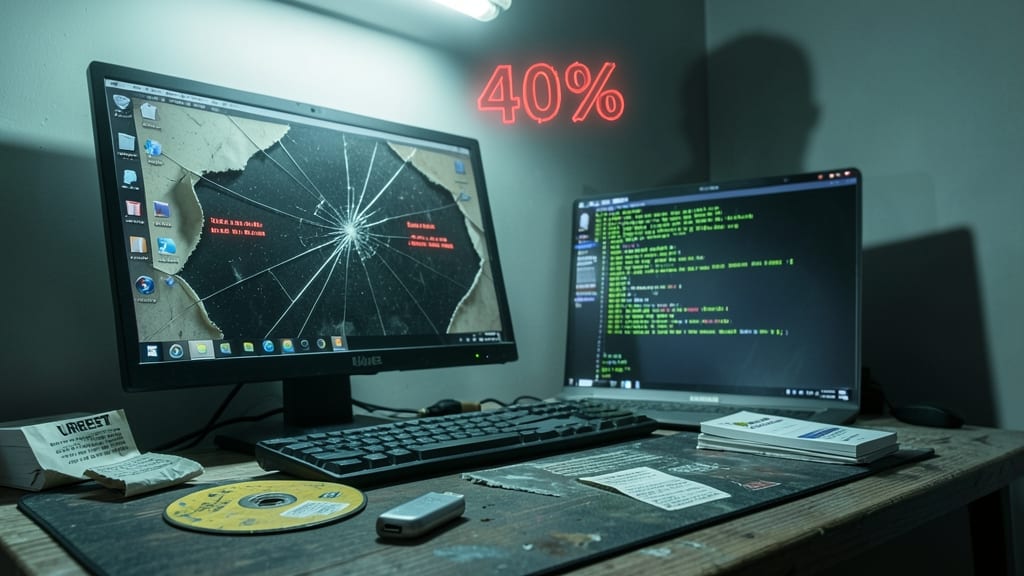
Outdated software is a hacker’s dream—Windows 7 and macOS Catalina alone account for 40% of unpatched devices still in use today. Automated software updates aren’t just about new features; they’re your first line of defense against zero-day exploits and ransomware attacks that target known vulnerabilities.
Most operating systems now include automated update enforcement—Windows Update, macOS Software Update, and tools like WSUS for enterprises can be configured to install critical patches without manual intervention. For third-party apps, solutions like Patch Management (e.g., SolarWinds, ManageEngine) ensure browsers, PDF readers, and even firmware stay current. The key is setting updates to install automatically (not just notify) and verifying compliance with tools like Microsoft Endpoint Configuration Manager.
This is non-negotiable for anyone using legacy systems or shared devices. Even a single unpatched app can become a backdoor—so enforce updates like you would a firewall rule. ✨
Physical Device Security Protocols
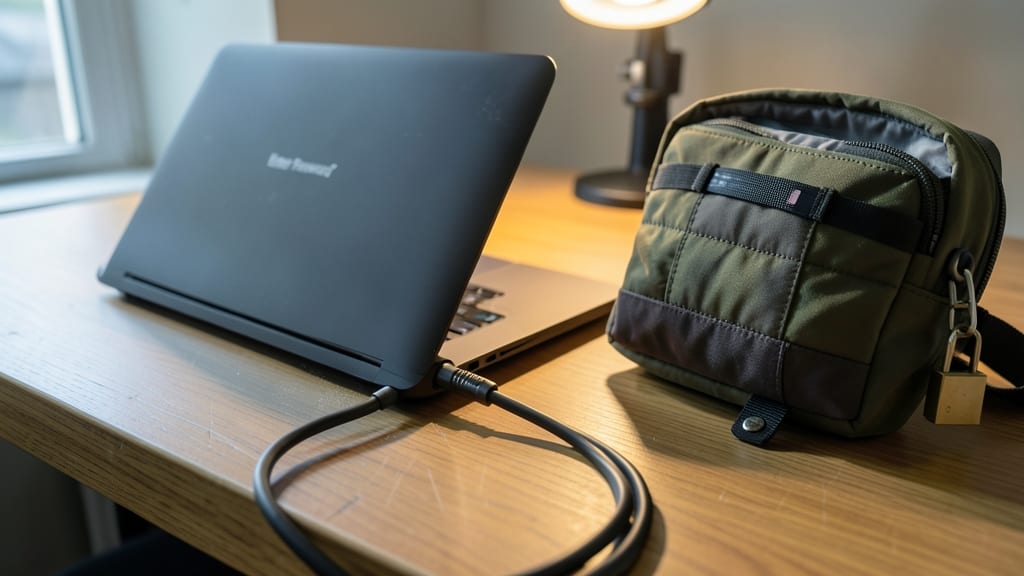
Your laptop might be locked with a biometric passcode, but that’s only half the battle. Physical security—like cable locks, secure desk mounts, and anti-theft bags—stops opportunistic theft or tampering before digital defenses even kick in. These tools are the unsung heroes of remote security, especially when you’re working in cafes, co-working spaces, or even your own home office.
A Kensington Security Cable Lock (with a 12-inch steel cable) resists brute-force attacks, while YubiKey hardware keys add an extra layer for device authentication. For ultra-sensitive setups, Faraday pouches block wireless signals from keyloggers or tracking devices. Even a simple screen privacy filter prevents shoulder-surfing in public spaces.
This isn’t just for road warriors—freelancers, contractors, and anyone with sensitive data should prioritize these protocols. A stolen unlocked laptop can expose years of work in minutes. 💪
Phishing Simulation and Training
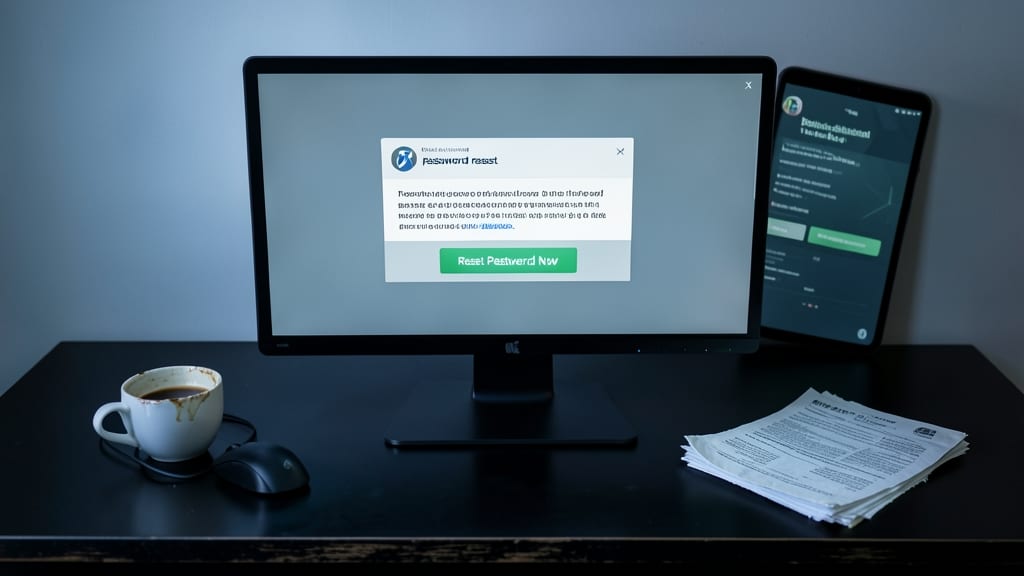
Even the most secure systems can crumble if employees fall for a cleverly disguised phishing email. Phishing simulation tools like KnowBe4 or PhishMe send realistic attack scenarios—urgent "password resets," fake invoices, or malicious links—to train your team to recognize red flags before they click.
These platforms track engagement rates, measure improvement over time, and even simulate spear-phishing (targeted attacks) to mimic real-world threats. The best solutions integrate with your email system and provide customizable templates that mimic your company’s branding, making training feel authentic. Many also offer gamification with leaderboards to boost participation.
Perfect for teams of all sizes, these tools turn passive employees into proactive defenders—critical for industries handling sensitive data like finance, healthcare, or legal. 💪
Cloud Storage with Granular Permissions
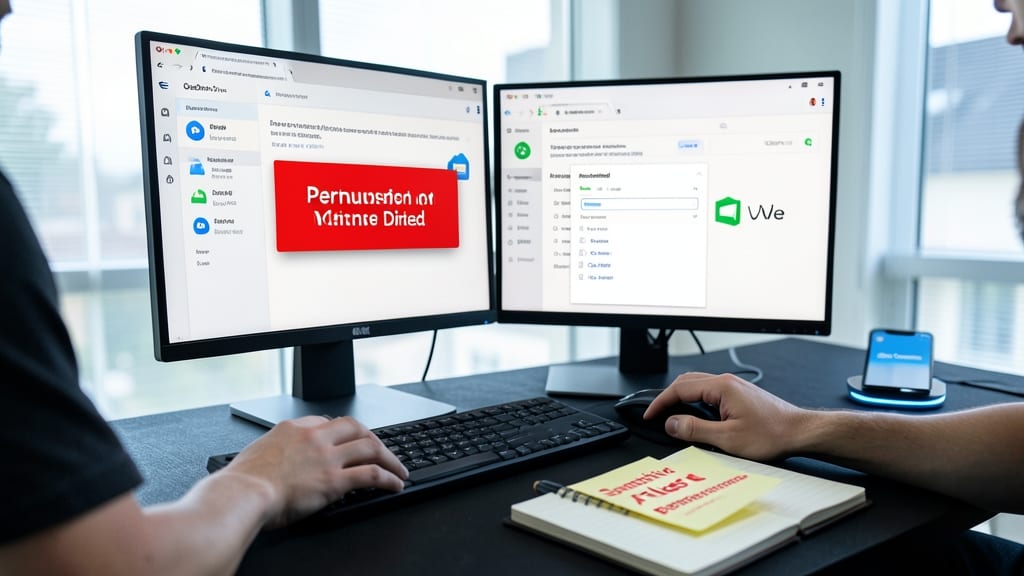
Accidental data leaks or insider threats often start with over-permissive cloud storage settings—until now. Both Google Drive and OneDrive now offer role-based permissions that let you restrict access to sensitive files down to the individual level, ensuring only the right people can view or edit critical documents.
With granular controls, you can set view-only access for contractors, full edit rights for direct reports, and even time-based restrictions (like auto-revoking access after a project ends). Both platforms integrate with Microsoft Entra ID or Google Workspace, syncing permissions across devices. For example, a confidential HR folder can be locked to just the HR team while allowing read-only access to managers.
This is a game-changer for freelancers managing client files or teams handling sensitive data. Set it up once, and you’ll sleep easier knowing your files stay protected—even if a team member leaves unexpectedly. ✨
Incident Response Plan for Breaches

Even the best security measures can fail—so having a predefined incident response plan is your safety net. When a breach happens, every minute counts, and a structured approach minimizes damage while keeping legal and operational risks under control.
Start by documenting five key steps: isolate affected systems immediately, notify IT/security teams (or your organization’s compliance officer), preserve evidence for forensics, communicate only with approved channels, and escalate to law enforcement if required. Tools like Splunk or IBM QRadar can automate breach detection, but manual playbooks ensure consistency. Most plans also include a 24/7 point of contact for urgent situations.
This isn’t just for IT teams—freelancers, small business owners, and remote employees handling sensitive data should have a simplified version. A well-tested plan turns panic into action, reducing downtime from hours to minutes. ✨