
Software
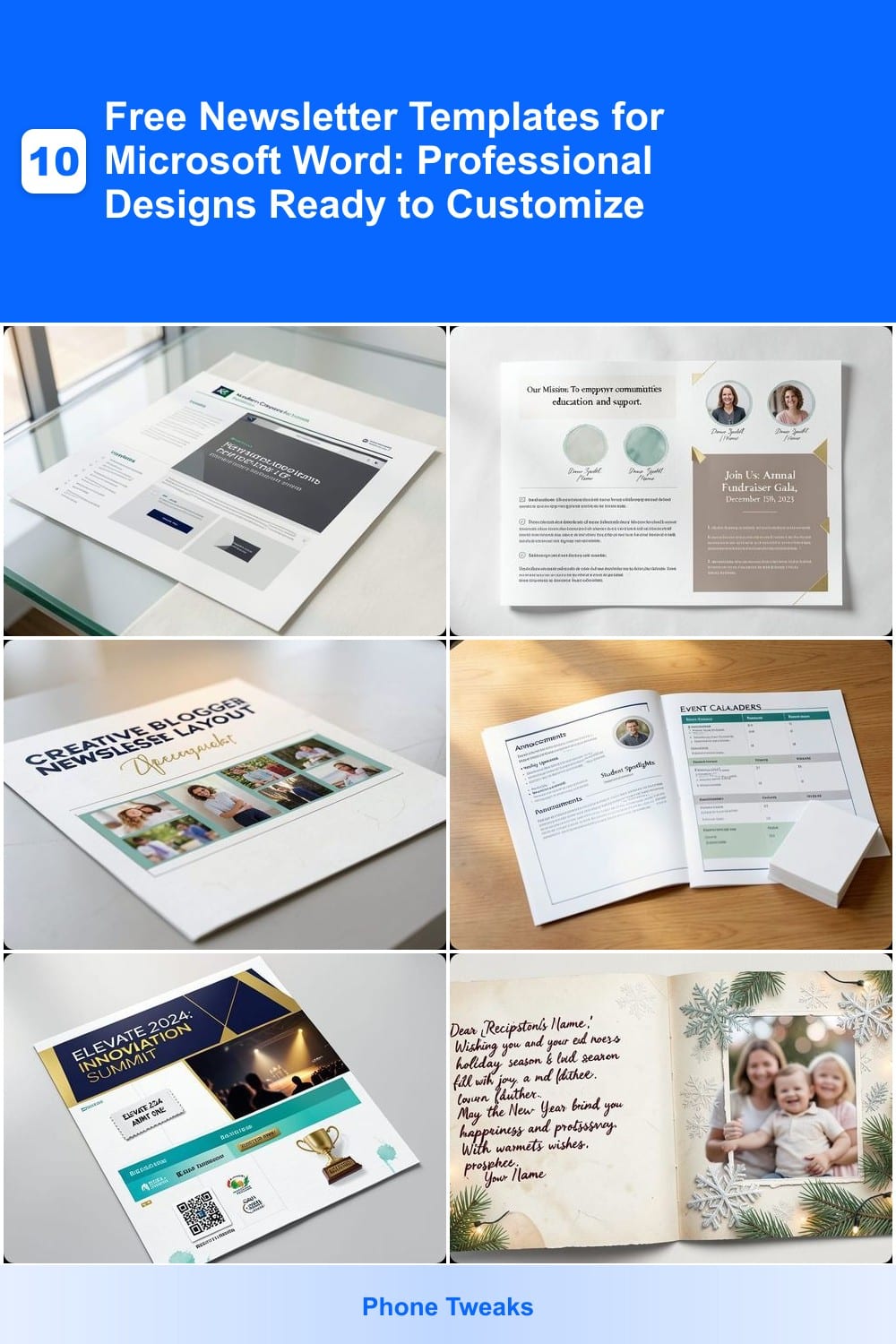
Struggling to create professional newsletters in Microsoft Word without spending a dime? These 10 free, customizable templates will help you design polished communications—from business updates to personal newsletters—without needing design skills or premium software.
Modern Corporate Newsletter Template
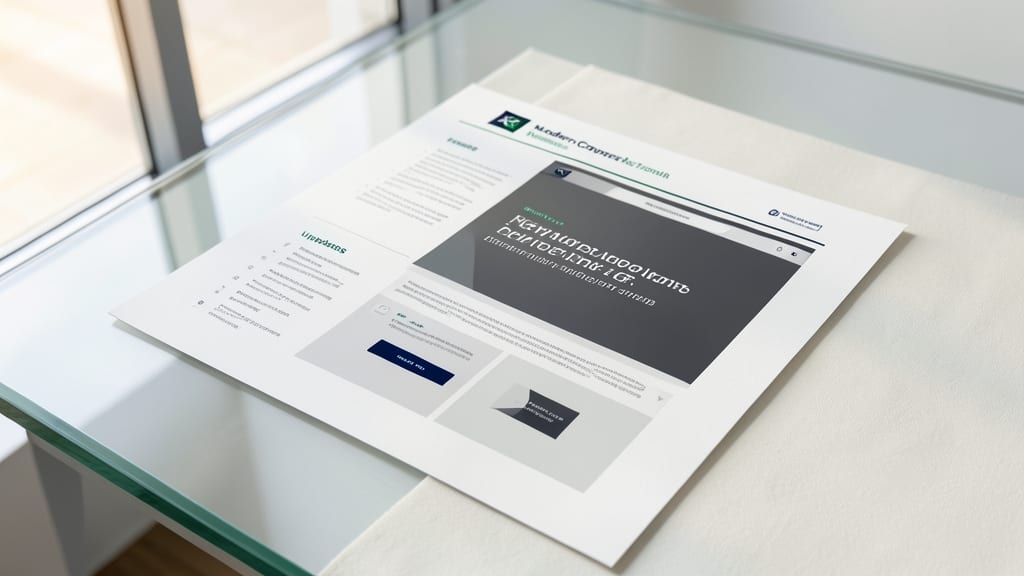
Looking to project professionalism without hiring a designer? This Modern Corporate Newsletter Template delivers a sleek, minimalist layout that instantly elevates your brand’s communications. Built for businesses, it includes dedicated sections for updates, feature highlights, and strategic calls-to-action—all while maintaining a clean, distraction-free aesthetic.
The template features a geometric shape accent bar (customizable in Word’s shape tools), a muted corporate color palette (blues and grays), and pre-formatted text boxes for headlines, body content, and branding elements. You’ll also find adjustable margins and scalable fonts to ensure your design stays polished whether printed or shared digitally. The modular structure lets you rearrange sections effortlessly—no coding required.
Perfect for marketing teams, startup founders, and corporate communicators, this template helps you build trust and credibility with every email. Just drop in your logo, tweak the colors to match your brand, and focus on crafting compelling content. ⚡
Elegant Nonprofit Newsletter Design
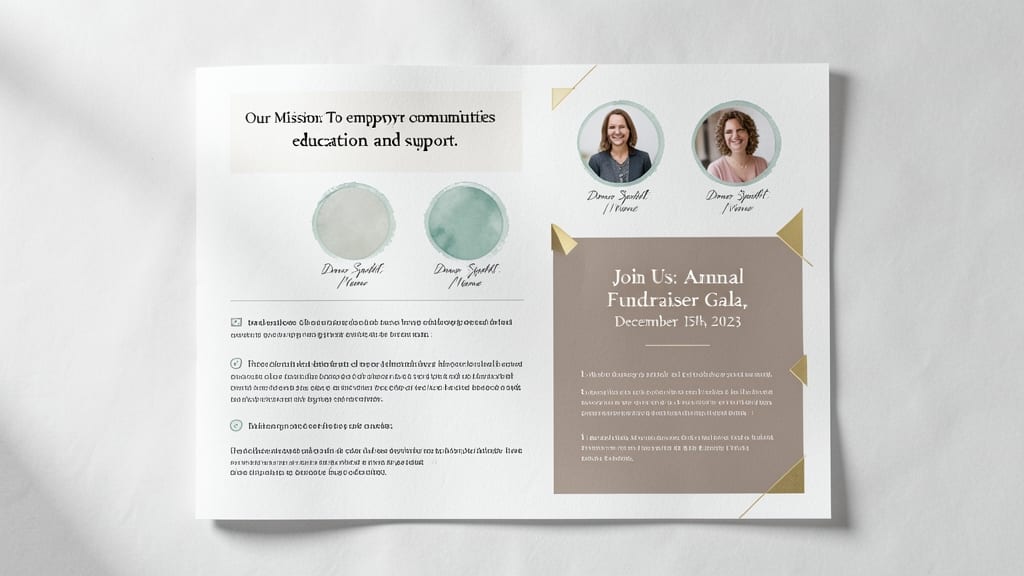
For nonprofits and charities looking to inspire trust and action, this Elegant Nonprofit Newsletter Design template transforms good intentions into polished communications. It’s built with dedicated sections for mission statements, donor spotlights, and event promotions—all while maintaining a warm, approachable aesthetic that resonates with supporters.
The template features a soft pastel color palette (blues, greens, and creams) that feels inviting yet professional, plus pre-sized photo placeholders for volunteer stories or impact metrics. You’ll also find customizable donation call-to-action buttons and a modular layout that adapts seamlessly to Microsoft Word’s editing tools—no design experience required.
Perfect for small NGOs, community organizations, and advocacy groups, this template helps you highlight your cause while keeping the focus on real stories and tangible results. ✨
Creative Blogger Newsletter Layout
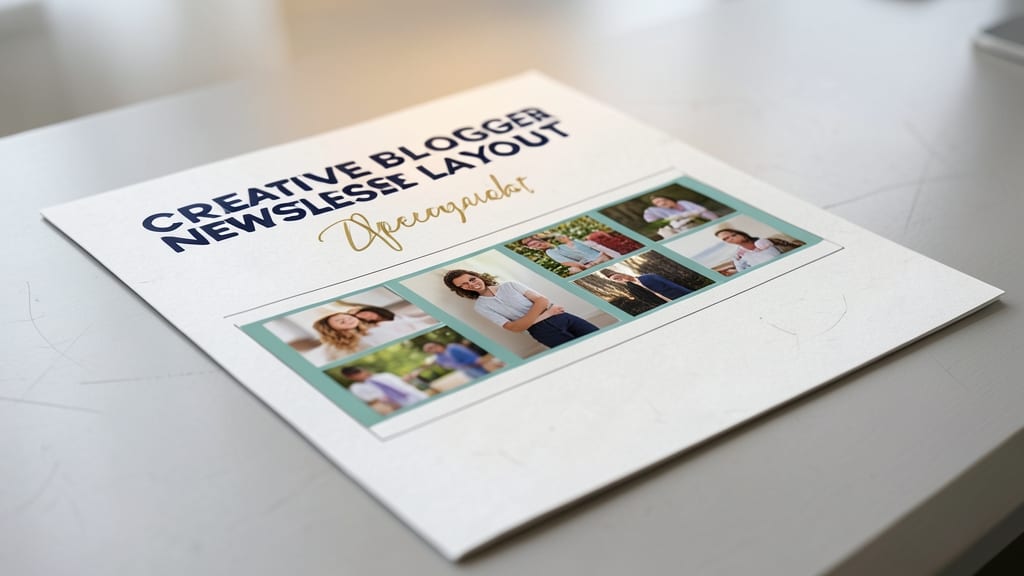
If your blog thrives on visual storytelling and reader interaction, this Creative Blogger Newsletter Layout is your secret weapon. Designed specifically for content creators, it combines eye-catching typography with strategic image placeholders to showcase your latest posts—while keeping subscribers engaged with built-in social media links.
The template features bold, high-contrast headlines that grab attention, a responsive grid for featured post thumbnails (perfect for WordPress or Medium exports), and dedicated sidebars for Instagram feeds, Twitter handles, and newsletter subscription CTAs. The vibrant color palette ensures your brand stands out, while the modular sections let you drag-and-drop content effortlessly in Microsoft Word.
Ideal for solo bloggers, digital creators, and small media teams, this layout turns passive readers into active followers—without requiring design skills. Just drop in your latest content, tweak the colors to match your blog’s aesthetic, and watch your engagement soar. ✨
Minimalist Educational Newsletter
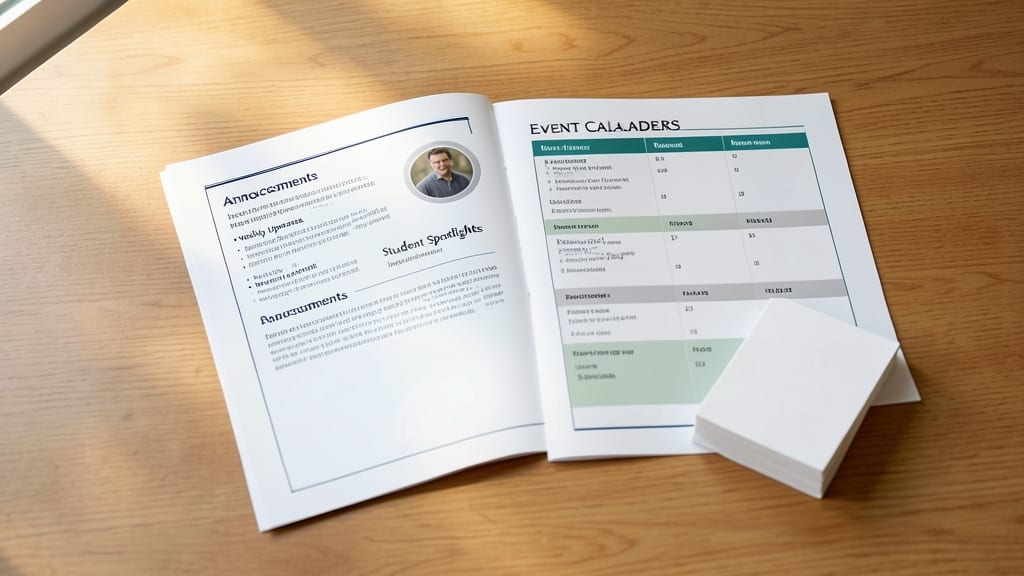
If classroom communication needs a refresh, this educational-focused template eliminates the clutter while keeping essentials front and center. Built specifically for schools, it includes dedicated sections for announcements, student spotlights, and event calendars—all organized in a distraction-free, easy-to-read layout.
The neutral color palette (whites, soft blues, and greens) ensures readability, while the pre-formatted columns make it simple to add deadlines, achievements, or upcoming activities. With built-in placeholders for photos and text, you can highlight student work or upcoming deadlines without design hassles. The professional fonts are optimized for both digital and printed distribution.
Perfect for teachers, administrators, and PTAs, this template helps streamline communication while keeping parents and students engaged. The clean design ensures focus stays on the content—no unnecessary fluff. ✨
Event Promotion Newsletter Template
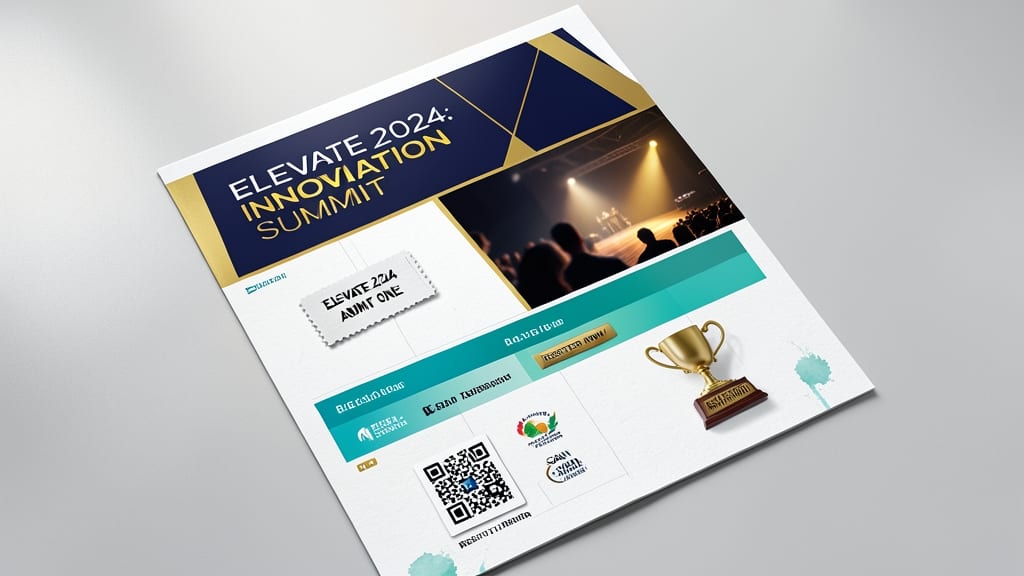
Turn heads with this event-focused template, packed with eye-catching design elements that make your next conference, workshop, or gala promotion stand out. No design skills needed—just drop in your event details, sponsor logos, and key dates, and watch registrations climb.
The template includes pre-built RSVP sections with QR code placeholders, a countdown timer graphic (easy to customize with your event dates), and highlighted sponsor logo areas to showcase partners. The bold deep purple and gold color scheme ensures high contrast for readability, while the three-column layout balances event details, speaker spotlights, and call-to-action buttons.
Perfect for marketers and event planners who need to boost engagement without sacrificing professionalism. Drag, drop, and personalize in minutes—no coding required. ✨
Personalized Holiday Greeting Card
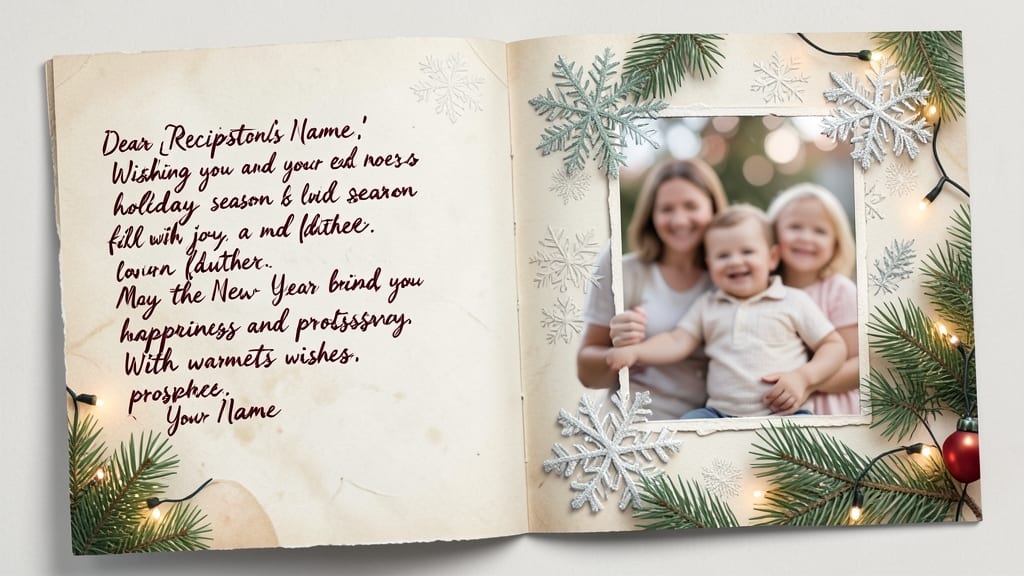
Skip the generic holiday card—this Personalized Holiday Greeting Card template turns your Microsoft Word newsletter into a heartfelt keepsake. With dedicated sections for handwritten-style messages, family photo placeholders, and customizable seasonal graphics, it’s perfect for blending warmth with professional polish.
You’ll find pre-formatted areas for wish lists, event announcements, and signature blocks, plus festive borders and icons that sync with Word’s built-in holiday clipart library. The template’s adjustable margins and scalable fonts ensure your design stays crisp whether you’re printing or sharing digitally.
Ideal for families, small businesses, or anyone sending seasonal updates, this template makes personalization effortless—no design skills required. ✨
Tech Company Product Update
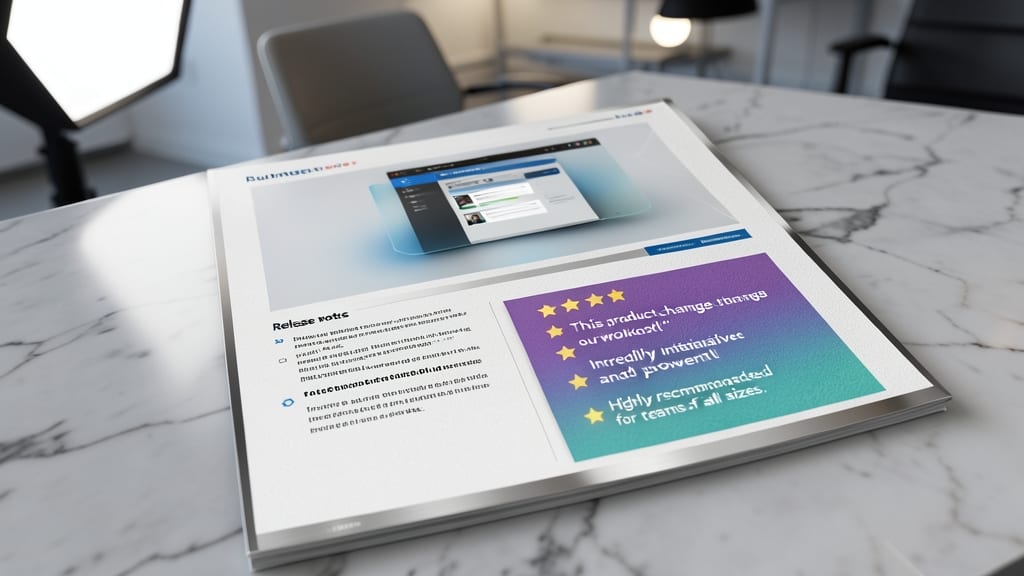
If you're a tech startup or SaaS company racing to keep customers updated on product launches, this futuristic newsletter template is your secret weapon. It’s packed with dedicated sections for product screenshots, release notes, and customer testimonials, all designed to make your updates look polished and professional without requiring design expertise.
The template features a dark-themed layout with neon accents (cyan and purple) to instantly convey innovation, plus pre-formatted placeholders for API specs, roadmap highlights, and user feedback. The clean, modular design ensures your technical details stand out while keeping the focus on clarity and engagement.
Perfect for founders, product managers, and marketing teams who need to showcase their tech products with style—this template turns every update into a high-impact communication. ✨
Restaurant and Food Newsletter
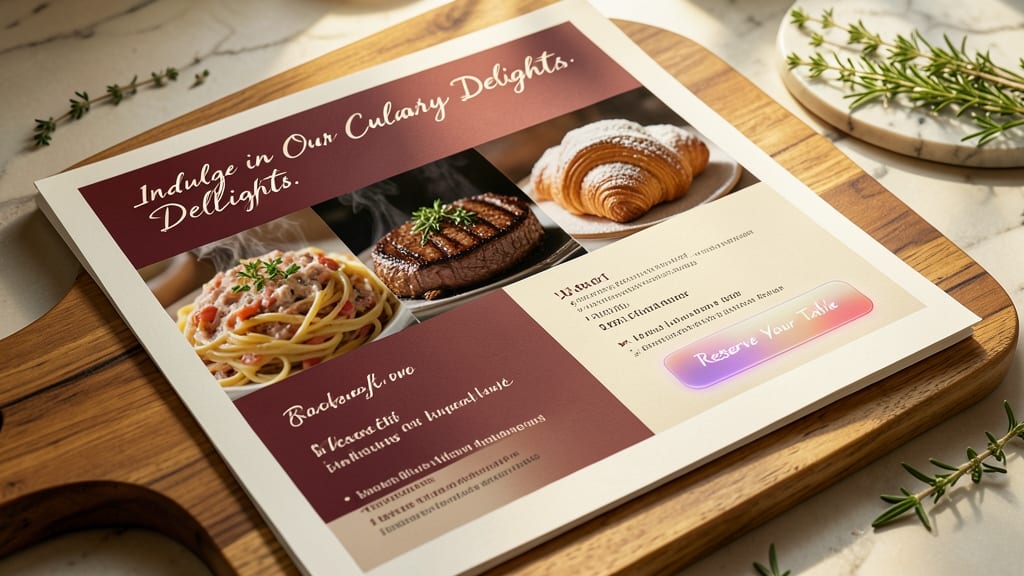
If your restaurant’s newsletter needs to look as delicious as your dishes, this food-focused template is your secret weapon. Designed specifically for culinary businesses, it includes pre-sized photo placeholders for mouthwatering dish images, a dedicated menu highlight section, and clickable reservation links to boost bookings.
The template features a warm, appetizing color palette (think golden browns and creamy whites) that instantly elevates your brand’s visual appeal. You’ll also find customizable call-to-action buttons for promotions, chef spotlights, and seasonal specials—all while keeping the layout clean and professional. The built-in hyperlink tool makes adding reservation buttons a breeze, even for non-tech-savvy users.
Perfect for chefs, café owners, and food bloggers, this template turns every newsletter into a hunger-inducing marketing tool. 🌟
Simple Two-Column Business Update
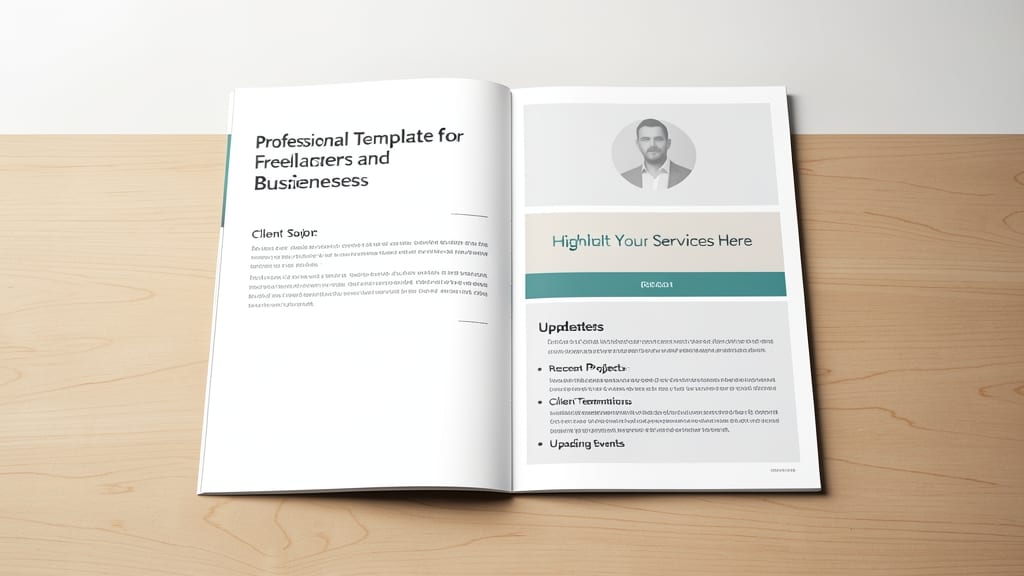
If you're a freelancer or small business owner drowning in Word's overwhelming template library, this two-column powerhouse cuts straight to the chase. No fluff—just a clean, professional layout that balances updates, client spotlights, and promotions without overwhelming your readers.
The template includes pre-formatted text boxes for headlines, body content, and call-to-action buttons, plus adjustable columns to fit your branding. Swap colors in seconds using Word's built-in theme tools, and the subtle grid background adds polish without distracting from your message. Perfect for weekly updates or quarterly recaps.
Ideal for solopreneurs and startups who need credibility fast, this template lets you focus on content—not design. Just drop in your logo, tweak the fonts, and hit send. 💻
Interactive Survey and Feedback
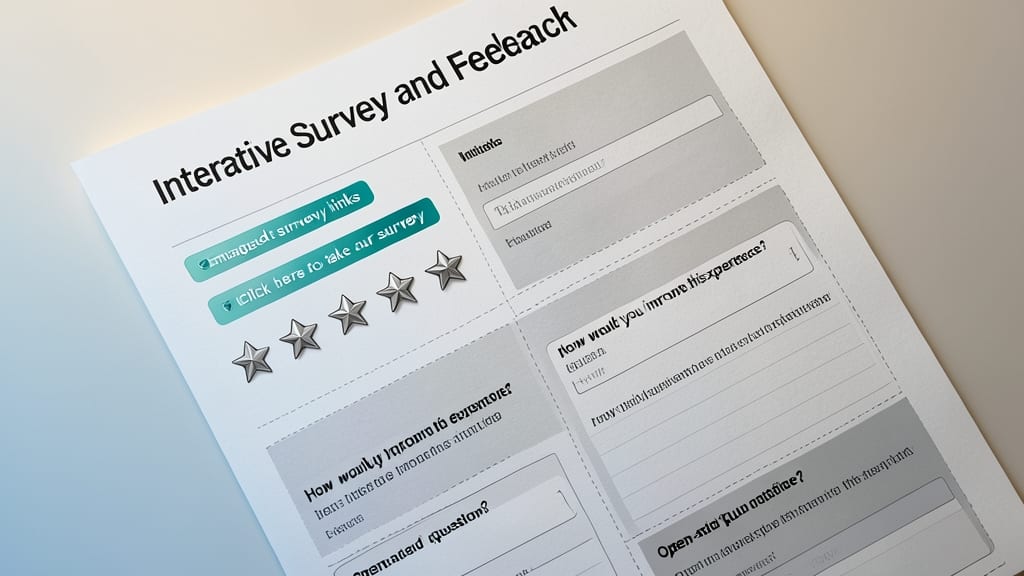
Turn passive readers into engaged respondents with this Interactive Survey and Feedback template. Designed specifically for customer insights, it eliminates the guesswork by combining embedded survey links with intuitive rating scales and open-ended question sections—all pre-formatted for easy customization in Microsoft Word.
The template includes pre-built checkboxes for multiple-choice questions, a 5-star rating scale for satisfaction metrics, and dedicated space for qualitative feedback. Simply replace placeholder text with your questions, add your branding, and share via email or print—no extra tools required. The clean, blue-and-white color scheme keeps it professional while making responses feel approachable.
Perfect for small businesses, customer support teams, or product managers who want to gather actionable feedback without relying on third-party survey tools. ⚡